
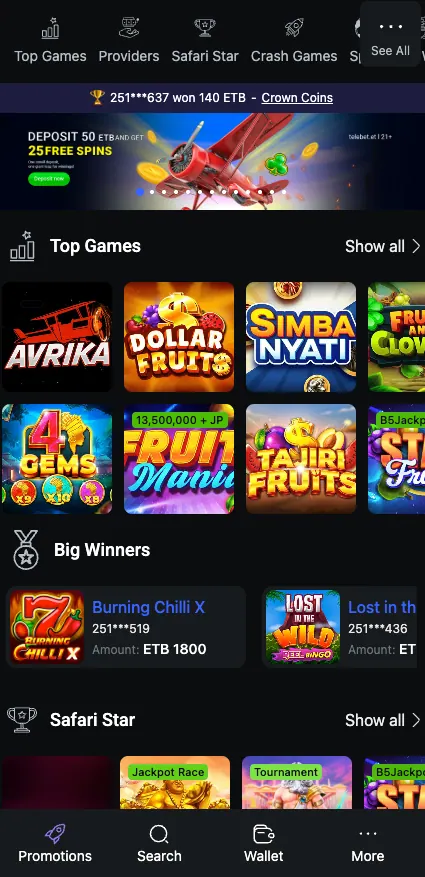
Telebet has gained popularity among players in Ethiopia thanks to a convenient mobile app for sports betting and online casino games. The Telebet app download is currently offered for Android only. Phones running iOS use the mobile site or a home-screen shortcut instead.
This page covers where the file comes from, how to install it, what the app can do and what to try when something goes wrong. For a general overview of the brand, see the home page.
Android · APK · Free
Telebet app at a glance
| Parameter | Details |
|---|---|
| App name | Telebet (telebet.et) |
| Version | 1.1.2 |
| File size | 46.5 MB |
| Last update | 08/10/2026 |
| File type | APK for Android |
| iOS | No app; mobile site or PWA shortcut |
| Price | Free |
How to install Telebet APK on Android
The APK is not distributed through Google Play, so the phone has to be told that the file can be trusted. The whole process takes a few minutes on a normal mobile connection. Always get the file from the brand's own site, never from a forwarded link in a chat group.
Telebet app download APK: step by step
Allow unknown sources
Open Settings on the phone, find Security (or Apps on newer Android versions) and switch on installation from unknown sources for your browser.
Download the file
Open the official site in your mobile browser and tap Download APK. The file is about 46.5 MB, so use Wi-Fi if the mobile data bundle is small.
Open the APK
Tap the finished download in the notification bar or in the Downloads folder, then press Install.
Launch the app
Tap Open. A Telebet icon also appears on the home screen for later.
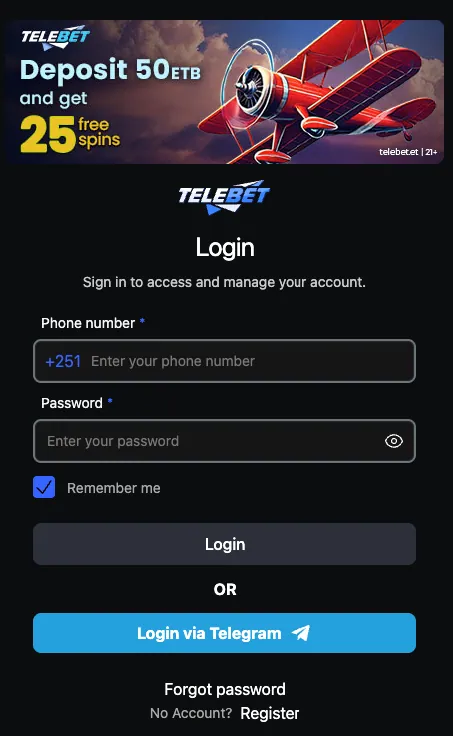
Log in or register
Existing players sign in with their usual details. New users can create an account straight from the app.
Once the app is installed, it is a good idea to turn the unknown-sources switch back off. Your phone stays stricter for any other file you download later.
How to use Telebet on iOS
There is no dedicated iPhone app. Apple devices open the platform through the mobile version of the site in Safari, and everything from betting to the cashier works there.
To get an app-like icon, add the site as a PWA shortcut:
- Open the official Telebet site in Safari.
- Tap the Share button at the bottom of the screen.
- Scroll down and choose Add to Home Screen.
- Confirm the name and tap Add.
The icon opens the site in full-screen mode, without the browser address bar. It takes almost no storage, because nothing is installed apart from the shortcut. The same trick works in Chrome on Android for anyone who prefers not to install an APK.
What the app offers
Main features
Live betting
In-play markets with changing odds for football and other sports.
Casino
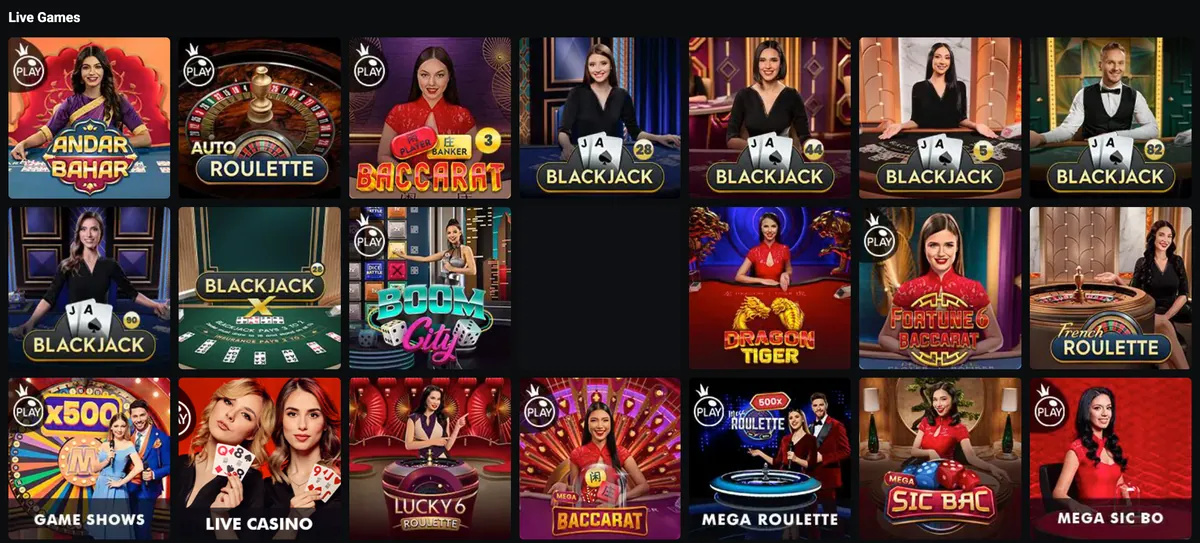
Slots, live tables, crash and instant games in the same app.
Deposits and withdrawals
The cashier works inside the app with local payment options.
Notifications
Alerts about bonuses and account activity.
Biometric login
Fingerprint or face unlock, available only for verified accounts.
Live betting is the feature most players open the app for. Markets and odds formats are described in the sport section. Slot and table game lovers can find the library overview in the casino section.
Money movements follow the same rules as on the website. Methods such as Telebirr, CBE Birr and eBirr are listed on the payments page, which is useful if you plan to top up from a phone wallet.

Telebet app vs mobile site
| Feature | Android app | Mobile site / PWA |
|---|---|---|
| Installation | APK, about 46.5 MB | None, or a home-screen shortcut |
| Speed | Fast start, interface cached on the phone | Depends on the browser and connection |
| Notifications | Yes | Limited |
| Data usage | Low after install | Slightly higher, pages load each time |
| Devices | Android | Android, iOS, tablets |
| Updates | Manual download of a new APK | Always current |
Updates and common problems
Because the APK sits outside Google Play, updates do not arrive automatically. Check the official site now and then for a newer version, download it and install it over the old one. Your account data stays with the account, not the file.
The app won't install
Check that unknown sources are allowed for the browser or file manager you used. Make sure there is enough free space, since the installer needs more room than the file itself. If the download stopped halfway, delete the file and fetch it again.
The app won't update
Installing a new APK over the old one normally works. If Android reports a conflict, uninstall the old version first and install the new one. Write down your login details beforehand.
Telebet app login problems
Re-enter the details carefully and check the keyboard language. Use the password reset option if the password is forgotten. A weak connection can also cause a failed sign-in, so switch between Wi-Fi and mobile data. Biometric login only works after the account is verified.
Conclusion
Overall, the Telebet mobile app provides a user-friendly and efficient platform for sports betting and casino games. The app runs smoothly on most Android devices, with fast loading times, a simple design and minimal data usage. iPhone owners get the same service through the mobile site.
Frequently asked questions
How do I do the Telebet app download in Ethiopia?
Allow installation from unknown sources in the Android settings, open the official Telebet site in your phone browser, tap the APK download button and open the file to install it.
Is there a Telebet app download APK for iPhone?
No. The APK works on Android only. iPhone users open the mobile site in Safari or add it to the home screen as a PWA shortcut.
What are the size and version of the Telebet app?
The current file is version 1.1.2, 46.5 MB, in APK format for Android.
Is the Telebet app free?
Yes, downloading and installing the app costs nothing. Mobile data charges from your operator may apply.
How do I use Telebet app login?
Open the app, enter your registered details and tap Login. New users can register first. Biometric login is offered only for verified accounts.
Why does the Telebet app not install?
Usually unknown sources are blocked, storage is full or the download was interrupted. Allow the source, free some space and download the file again.
How do I update the Telebet app?
Download the newest APK from the official site and install it over the old one. If Android shows a conflict, uninstall the old version first.
Can I play casino games in the Telebet app?
Yes. The app includes the casino alongside sports and live betting, and deposits and withdrawals work from the same account.